
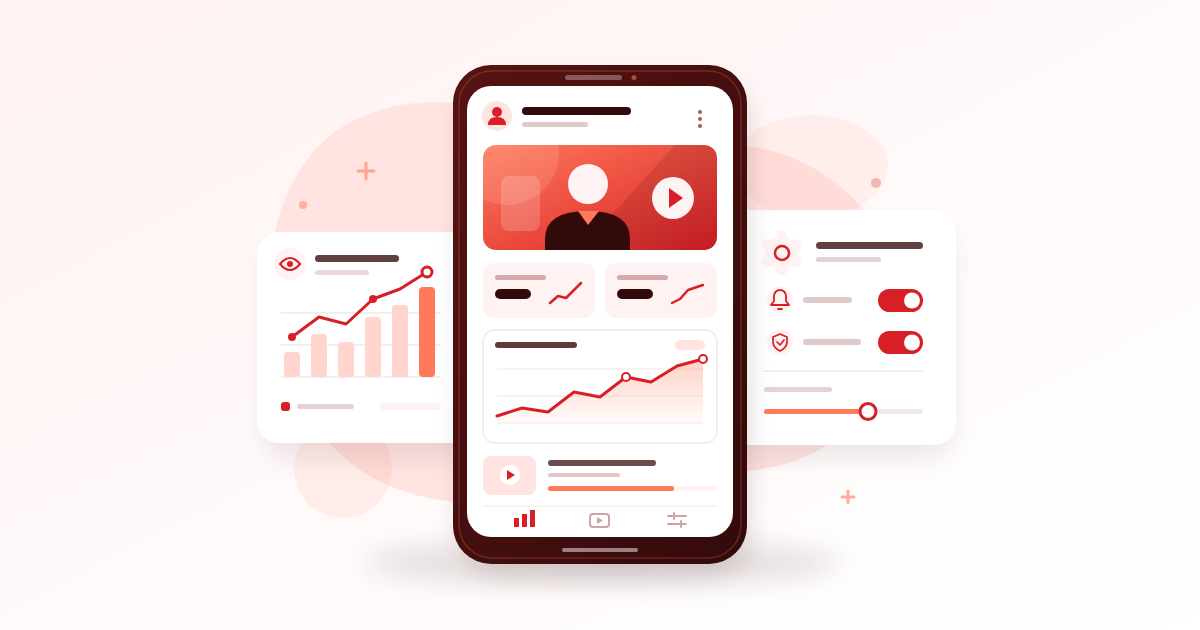
YouTube Studio is the free tool for managing your channel, understanding how people watch your videos, and checking publishing and monetisation settings. For Nigerian creators working from a phone, the most useful routine is simple: check how viewers find you, identify where they leave, and use that evidence to improve your next upload.
Key Takeaways
- Use the mobile app for routine checks, video edits and comments; use desktop reports when you need deeper comparisons.
- Read impressions, click-through rate and retention together before changing a title or thumbnail.
- Check visibility, audience settings, captions and restrictions before sharing an upload.
- Review performance weekly and choose one specific improvement; bought engagement cannot establish genuine audience demand.
Start With the YouTube Studio App
Set Up Your Daily Workspace
Install the official app from your phone’s app store and sign in with the Google Account that manages your channel. Confirm the channel name and profile picture before making changes, especially if you also manage a client’s account.
This connects closely to How to Create YouTube Channel in Nigeria and Get Your First Subscribers, which covers the next piece of the puzzle.
Start with three tasks: find your latest upload, open its analytics, and review its comments. You can also edit video details such as titles and descriptions. Learning these basic actions is more useful than exploring every menu on your first day.
- Dashboard: Scan recent activity and notices that need attention.
- Content: Select the upload you want to inspect or edit.
- Analytics: Review channel performance, then investigate individual videos.
- Comments: Answer useful questions and review conversations around your content.
Keep Phone Work Short and Deliberate
Some reports and controls are available only on desktop or differ between devices. If you cannot find a detailed comparison on your phone, save that task for a computer session instead of repeatedly reinstalling the app.
A comedian could spend ten minutes after lunch answering comments and checking yesterday’s skit, then return to scripting. Draft replies and video descriptions in your phone’s notes when connectivity is poor; connect when you are ready to save them.
Avoid refreshing your dashboard throughout the day. It interrupts production without necessarily giving you enough new information to make a better decision.
Build an Analytics Baseline Before Making Changes
Separate Channel Health From Video Performance
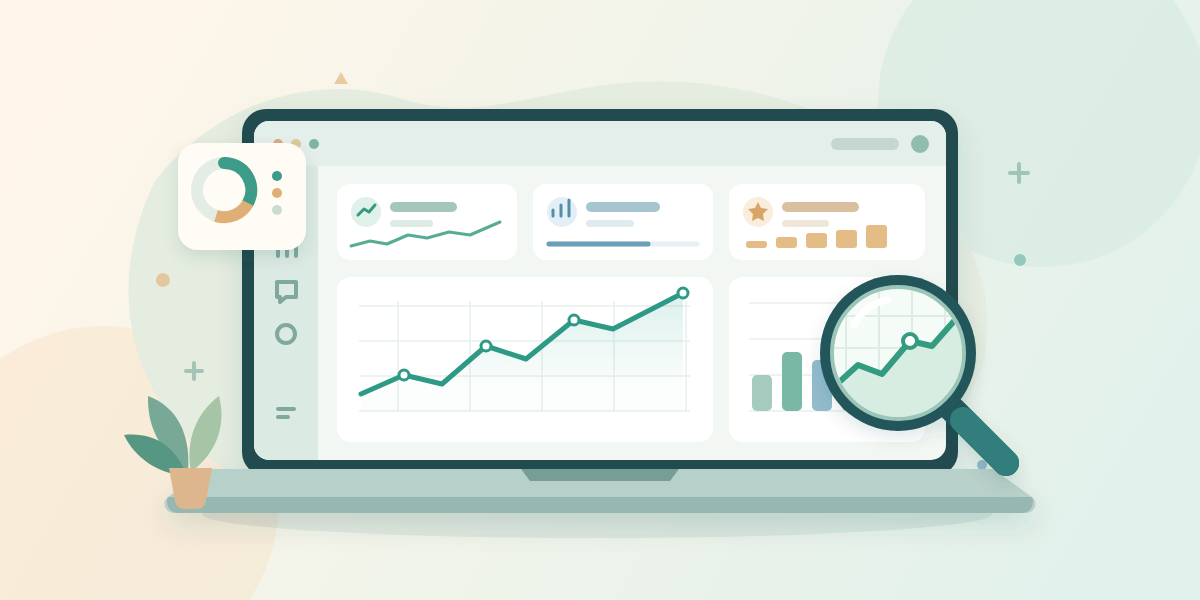
YouTube Studio analytics answers two different questions: how your channel is doing overall, and what happened on a particular upload. Start with a channel overview, then select a video to investigate its discovery and viewing behaviour.
If you want to go deeper on this point, How Much Does YouTube Pay for 1 Million Views? Shorts Versus Long Videos walks through it step by step.
Menu names and report availability can change, and mobile screens may differ from desktop. YouTube’s official guide to getting started with Analytics explains the reports and where to find them.
Choose a repeatable review period, such as the last 28 days, and compare it with the preceding period. Note whether you published more videos, released a collaboration, or shared a link widely on WhatsApp. Those events give the numbers context.
Compare Similar Uploads at Similar Ages
Compare a tutorial’s first seven days with another tutorial’s first seven days. Comparing yesterday’s upload with a video that has accumulated views for six months tells you little about their relative starts.
- Select three recent videos with similar subjects, formats and lengths.
- Record views, watch time, average view duration and subscribers gained where available.
- Write down each video’s main traffic source.
- Add a note about anything unusual, such as a paid campaign or a missed upload.
A phone repair channel should compare two repair demonstrations before comparing either with a comedy Short. Keep Shorts and longer videos separate initially because their viewing experiences and some metric definitions differ.
The common mistake is treating one unusually successful upload as your normal standard. Look for patterns across several comparable videos.
Use Discovery Reports to Improve Titles and Thumbnails
Read Impressions and Click-Through Rate Together
An impression records an eligible thumbnail appearance on YouTube. Impressions click-through rate, or CTR, describes how often those registered impressions resulted in a view. It does not cover every place someone can encounter your video.
A WhatsApp link can bring views without producing corresponding thumbnail impressions in this report. Do not divide all your views by impressions and assume the result should match the displayed CTR.
Use your own comparable uploads as a starting point. CTR varies with audience and traffic source, so a universal target is less useful than understanding what changed.
- Few impressions: Inspect the topic, traffic source and available sample before blaming the thumbnail.
- Impressions with weaker clicks: Check whether the title and image communicate a specific reason to watch.
- Clicks followed by early departures: Check whether the opening delivers the promise.
- More impressions with lower CTR: Consider whether the video is reaching a broader audience.
Make the Promise Specific
For a Nigerian food channel, “My Cooking Video” gives viewers little reason to choose it. “How to Keep Fried Plantain From Turning Soggy” names a recognisable problem and a clear outcome.
A useful thumbnail could show the finished texture close up. Shrink your design on your phone screen: if the subject and any essential words disappear, simplify it.
Change one element when you have a clear reason, and record the date. Avoid changing the title and thumbnail repeatedly after a handful of impressions; traffic changes can make those comparisons misleading.
Use Retention to Decide What to Edit Next
Find the Moment Viewers Lose Interest
Average view duration tells you how long people watched on average. Audience retention shows how viewing changes through a particular video, helping you locate sections worth reviewing.
A dip may indicate skipping or departures. A spike can mean viewers replayed something useful, but it can also mean they needed another look because the explanation was unclear. Watch the relevant section before deciding what the graph means.
- Open a recent video with retention data available.
- Locate the first substantial drop and note the timestamp.
- Watch the surrounding section with sound on.
- Identify one possible cause: a delayed demonstration, repeated explanation, unclear audio or an unrelated interruption.
- Test a specific improvement in your next comparable upload.
Rewrite the Opening Before Buying Equipment
Imagine a fashion tutorial titled “How to Take Accurate Shoulder Measurements.” If it opens with a long greeting and a list of social accounts, the promised demonstration arrives late.
A stronger opening shows the tape placement immediately: “Place the tape here; this is the point people often measure incorrectly.” Introduce yourself once viewers understand the value of staying.
For a musician, inspect whether listeners leave during a lengthy spoken introduction before the performance. That suggests testing a quicker musical start, not automatically shortening every song.
Retention data takes time to process and may be limited. Avoid making a major editing decision from an incomplete report or assuming every downward slope means something is wrong.

Use Audience Data to Plan Relevant Follow-Ups
Look for Repeat Interest
Subscriber totals do not tell you how many people currently watch. Review the available audience reports for evidence that viewers come back, alongside the topics that consistently attract attention.
If your account shows new, casual or regular viewer categories, use them to examine patterns over time. A burst of new viewers becomes more useful when you can offer those people a relevant next video.
Suppose an Abuja baker gets sustained interest in a buttercream troubleshooting tutorial. Plan a follow-up about transporting a decorated cake, then another about storing leftover buttercream. Keep the connection obvious in the titles and organise the videos into a useful playlist.
Check Geography Without Making Assumptions
A Nigerian creator may attract viewers locally and abroad. Review the geography information available before assuming everyone shares your location, schedule or familiarity with local terms.
- Explain local ingredient names when overseas viewers may need substitutes.
- Review captions for names, Pidgin expressions and technical terms.
- Use audience activity reports, when available, as one scheduling input.
- Read repeated questions for clues about the next explanation viewers need.
A Lagos property creator might discover questions from Nigerians abroad about arranging remote inspections. That is a concrete follow-up topic, although viewer location alone does not prove purchase intent.
Missing demographic data does not mean nobody is watching. Try a longer date range or fewer filters; small samples and privacy limits can restrict reports.
Fix the Settings That Affect Every Upload
Check Visibility and Upload Defaults
Before sharing a video, confirm whether it is private, unlisted, public or scheduled. Unlisted videos can be watched and reshared by people with the link, so use private visibility when access needs tighter control.
On desktop, upload defaults can save repeated choices such as description text and privacy settings. These defaults apply to browser uploads; mobile uploads and uploads through a video editor do not automatically inherit them.
Keep a separate phone checklist. A reusable description can include your business information, but write a fresh opening explaining what the current video covers. Remove old prices, expired offers and irrelevant text before publishing.
Review Audience, Captions and Restrictions
- Audience: Set whether the video is made for kids based on its intended audience and YouTube’s guidance. Being suitable for families does not automatically make it children’s content.
- Language and captions: Use the appropriate language and correct important transcription errors where editing is available.
- Restrictions: Open any copyright or other restriction notice and read what it means for that upload.
- Comments: Choose appropriate moderation settings and review held comments so legitimate questions do not remain unanswered.
A musician should inspect a claim affecting a release before sending its link to promoters. A claim and a copyright strike are different issues; read the actual notice before taking action.
Give Collaborators Appropriate Access
Use channel permissions when an editor needs access, and choose the least access that covers their work. Do not send your Google password or verification codes to a freelancer.
Review access when a project ends. Also keep account recovery details current and enable two-step verification. These actions protect the work already invested in the channel.
Use the Earn Tab as a Status Check
Read What Applies to Your Channel
The YouTube Studio Earn tab shows relevant monetisation progress, application information and available earning options. What appears depends on your channel’s status and the features available to it.
We looked at a related question in YouTube Monetisation in Nigeria: Requirements and What They Really Cost You.
Check it periodically and after completing a requested step. Read the current definitions attached to eligibility counters rather than assuming every view or watch hour in Analytics counts towards the same requirement.
Thresholds, feature availability and requirements can change. Use the explanations and official Help options shown in your account before making a plan around a specific target.
For an Enugu tutorial creator, a useful check might be confirming which application step remains unfinished, then returning to production. Constantly reopening the counter will not complete that step or improve the next lesson.
Keep Monetisation Progress Separate From Audience Quality
Meeting a numerical threshold does not guarantee acceptance into a monetisation programme. Your channel also needs to satisfy the applicable requirements and review process.
A growth service may change visible counts, but bought engagement cannot establish that people value your videos, produce loyal customers or guarantee monetisation. Artificial engagement violates YouTube’s rules and can be removed or lead to penalties.
Before paying for promotion, ask how viewers will encounter the video. Reject promises of guaranteed eligibility or watch hours. If the method creates artificial activity, it also makes your performance reports less useful for content decisions.
Build a Weekly Routine Around Your Data and Power Budget
Give Each Session a Clear Job
You do not need daily uploads to make good use of your reports. Start with a schedule you can maintain, such as one useful main video and one related Short per week, then adjust to your workload.
- Monday: Review three comparable uploads and choose one lesson for the next script.
- Tuesday: Draft the opening, shot list, title and thumbnail idea offline.
- Thursday: Record and edit while power and equipment are available; check the exported file before uploading.
- Saturday: Publish after checking settings and processing, answer relevant comments, and record the next review date.
Upload ahead of your intended release when possible. Confirm that the upload has finished, the required playback quality is available, and any schedule displays the intended date and time.
This is particularly useful when a power cut could interrupt an evening release. Avoid deleting your local master file immediately after an upload attempt; first confirm that the correct video is safely available in your account.
Spend Against an Identified Problem
If you set aside ₦10,000 for a month, treat it as a personal spending ceiling, not a required creator budget. Check current data prices and production costs before allocating it.
If speech is difficult to hear, first test a quieter room and closer microphone placement. If the thumbnail is unreadable, simplify it with a tool you already use. Spend only when the free adjustment fails to solve the problem.
Keep a short review note: “Observation: viewers leave during the equipment list. Change: demonstrate first. Review: compare the next three tutorials.” This makes your next action clear without building a complicated spreadsheet.
Frequently Asked Questions
Is the Studio App Free in Nigeria?
Yes. You do not need a paid subscription to use the official app’s channel management features. Your network’s data charges still apply, so separate brief report checks from heavier tasks such as uploading and replaying videos.
Can I Manage My Channel Entirely From My Phone?
You can handle many everyday tasks from a phone, including reviewing performance, editing video details and replying to comments. Some reports and settings differ from desktop, so keep a list of tasks that require an occasional computer session.
Why Are My Analytics Missing or Different From Public Counts?
Reports can update at different times, and verification or limited data can affect what appears. Check the channel, video, date range and filters first, then allow processing time before treating a mismatch as an error.
Why Does the Earn Tab Show Less Watch Time Than Analytics?
Eligibility counters apply specific rules, while Analytics can show broader viewing activity. Check the period and the qualifying activity described beside the counter; do not assume your channel’s total watch time is identical to eligible watch time.
What Is a Good Click-Through Rate for a Nigerian Channel?
There is no single useful target for every Nigerian channel. Compare similar videos with similar traffic sources and enough impressions, then read CTR alongside retention. A high click rate is less useful when the video fails to deliver what viewers expected.
Final Thoughts
Use YouTube Studio to make one better decision each week. Start with a comparable video, identify a specific discovery or retention problem, and test an improvement. Keep publishing settings accurate and your routine manageable so the reports support the work of making videos people want to watch.
Related reading
- The YouTube Partner Program in Nigeria: Requirements, Payouts and How to Qualify
- What an SMM Panel Is and How Nigerian Creators Use One
- Reallysimplesocial and RSS Boosting: What Nigerian Buyers Should Check Before Using Any Boosting Site
Grow your YouTube numbers faster
If you want to speed this up, compare the YouTube options and prices first, then open a free account and start with the smallest package.